
Configuration Workflow Boundaries
This article summarizes the safety boundaries that apply to the Configuration group, based directly on controls and labels observed on the Team and Settings surfaces.
Who this is for: Owners or staff who need a checklist of safe review actions versus actions that require separate approval.
Team boundaries
Section titled “Team boundaries”Team changes can affect access and must be handled carefully. The Team page exposes a role selector, Save role, Deactivate, and Remove on member rows (except the protected owner row), plus an Invite by email form. Any of those actions can change who can reach the workspace.
Settings boundaries
Section titled “Settings boundaries”Settings changes can affect workspace behavior and public-facing information. Profile business identity and address fields, and the Module Settings sales tax rate, are described in-product as affecting customer-facing documents and future estimate calculations respectively.
Sensitive areas requiring separate approval
Section titled “Sensitive areas requiring separate approval”Billing, payment processors, authentication, domains, legal content, tax configuration, and real permissions require separate verification and approval. Several areas were observed as not yet available:
- Custom Domain — Coming soon
- AI Integration — Coming soon
- Approvals — Coming soon
- Manage Subscription — Coming later
- Payments defaults — Coming later
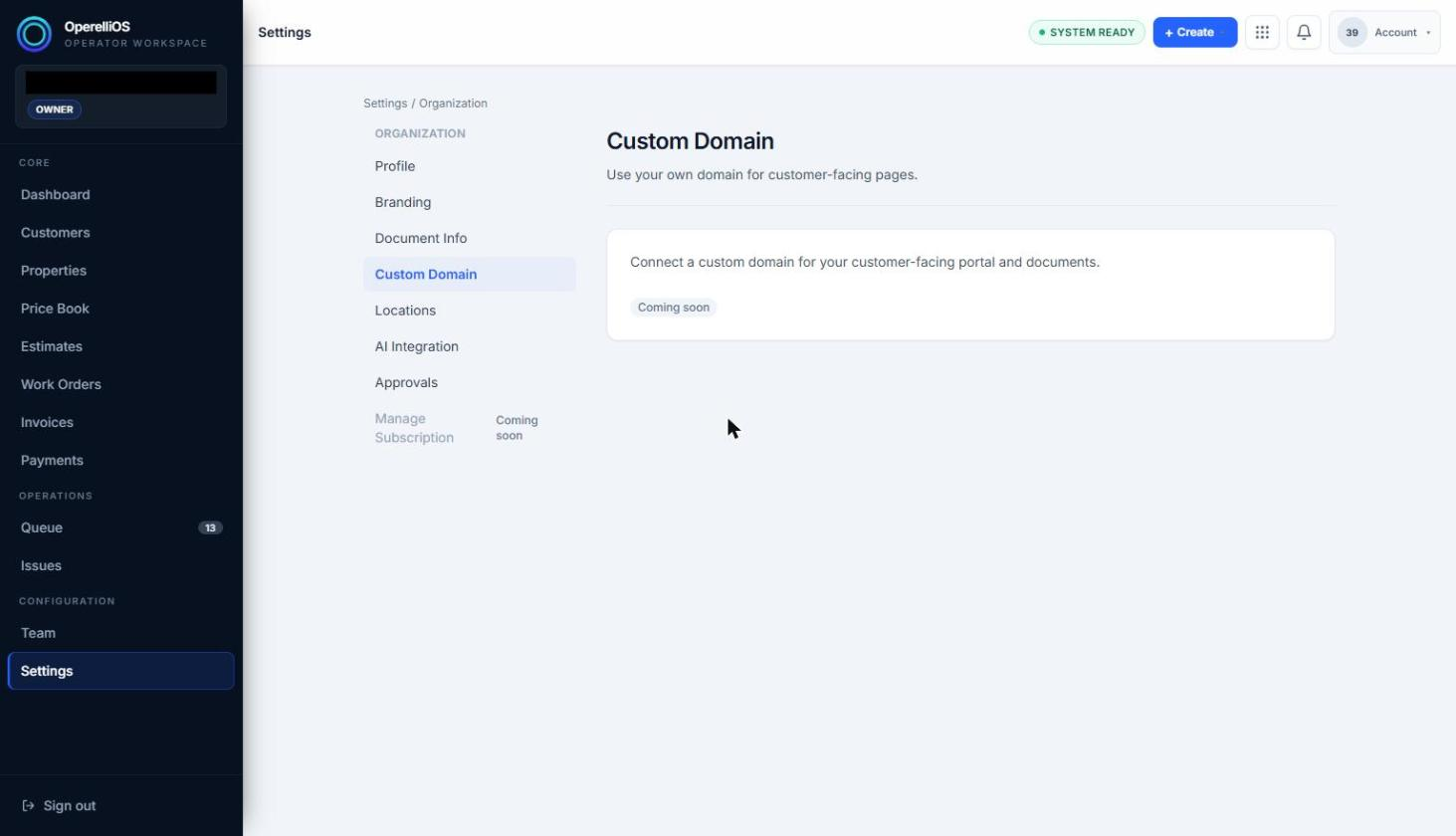
An out-of-scope Settings area marked as not yet available.
AI non-authority
Section titled “AI non-authority”AI Integration under Organization Settings is marked Coming soon. AI may assist with summaries or drafts only where a verified AI surface exists. AI does not own permissions, access, billing, payment settings, legal commitments, workspace identity, or financial truth.
What this batch did not execute
Section titled “What this batch did not execute”- Team invite sent
- Role changed
- Team member removed or deactivated
- Permissions changed
- Settings updated
- Billing, payment, authentication, domain, or legal settings changed
- Real user or workspace identity modified