
How to Review Workspace Settings
This article documents a read-only walkthrough of workspace and business profile settings, useful for confirming what is configured before making any change.
Who this is for: Owners or staff reviewing business identity and address fields without changing them.
Before you begin
Section titled “Before you begin”- An active operator session with visibility into the Configuration group.
-
Open Settings from the Configuration group.
-
Select Profile under Organization Settings.
-
Review the Business identity panel fields: Business display name, Public email, Phone, and Website.
-
Review the Address panel fields: Address line 1, Address line 2, City, State, Postal code, and Country.
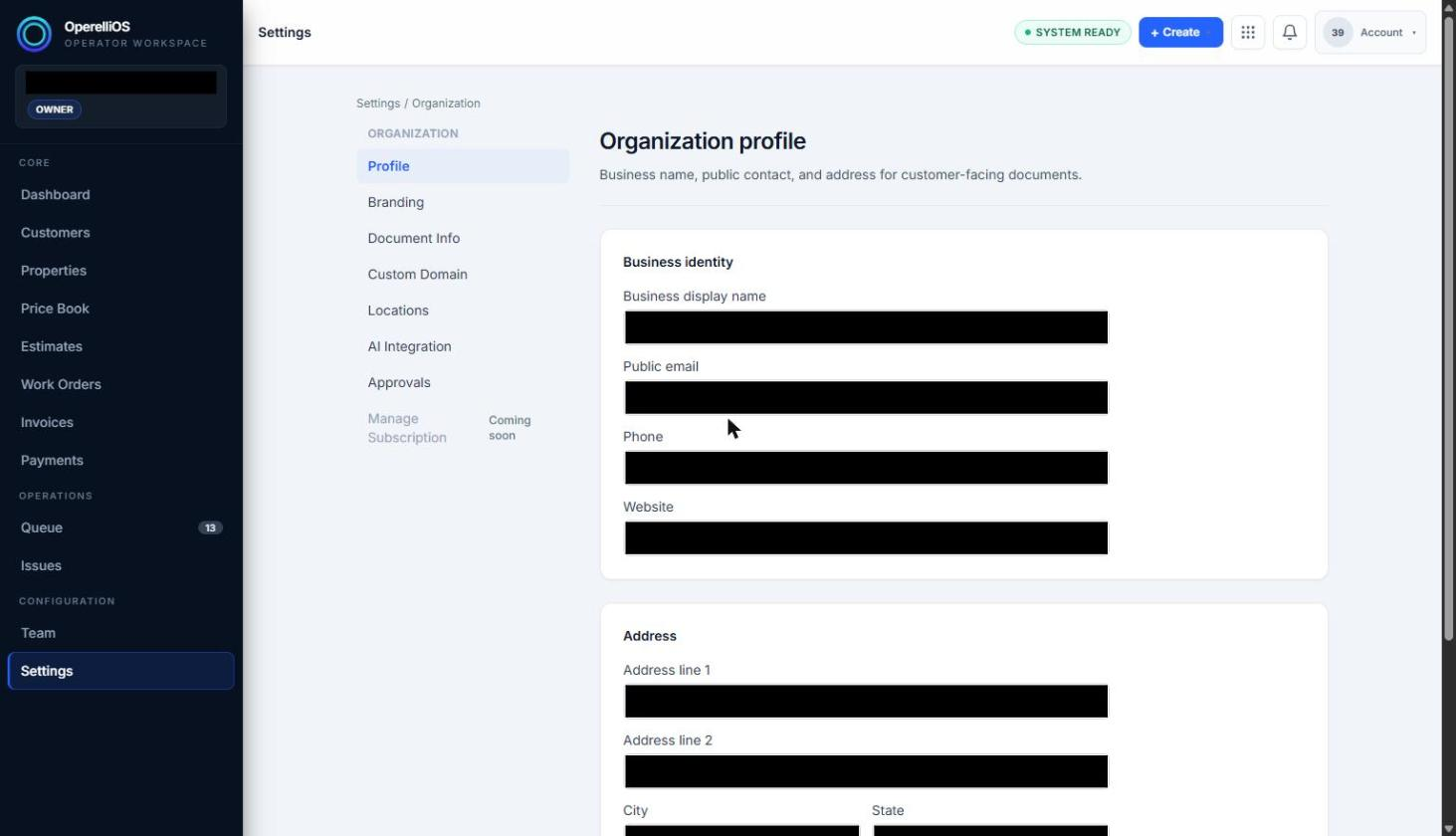
Organization profile fields, reviewed without exposing real values.
-
Use Back to Settings or the breadcrumb to return to the Settings landing page without selecting Save.
-
Optionally open Branding, Document Information, Locations, AI Integration, or Approvals to see their current state.
Expected result
Section titled “Expected result”The operator can confirm which business identity and address fields are present and editable as text inputs, without changing any value.
Warnings and notes
Section titled “Warnings and notes”- Every field observed on the Profile page is an editable text input rather than a read-only display.
- Field values are intentionally not disclosed here. Screenshots cover those values.
- No save action was performed while reviewing the Profile page.
- This article does not expose private workspace identity.