
Understanding Operations
Operations is a sidebar group containing two work-monitoring surfaces: Queue and Issues. Queue is described in-product as an action-focused operational queue where opening an item resolves it in its owning module (Invoices, Estimates, or Work Orders). Issues is described in-product as showing operator-facing blockers and exceptions with direct resolution paths. Operations does not host its own records; it surfaces records that already exist in other modules so an operator can see what needs attention.
Who this is for: Owners or staff who use operational review surfaces to find work that needs attention.
Before you begin
Section titled “Before you begin”- An operator account with sidebar access to the Operations group.
- At least one Invoice, Estimate, or Work Order record for the Queue to reference.
-
In the left sidebar, locate the OPERATIONS group beneath the core navigation items.
-
Select Queue to view action items grouped by category, each with a count badge.
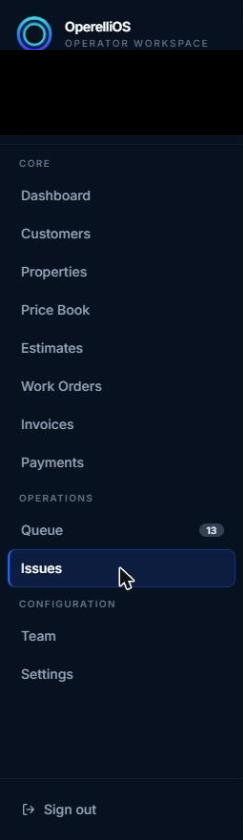
Operations group in the sidebar, showing Queue and Issues.
-
Select Issues to view blocking issues, or an empty-state message when none exist.
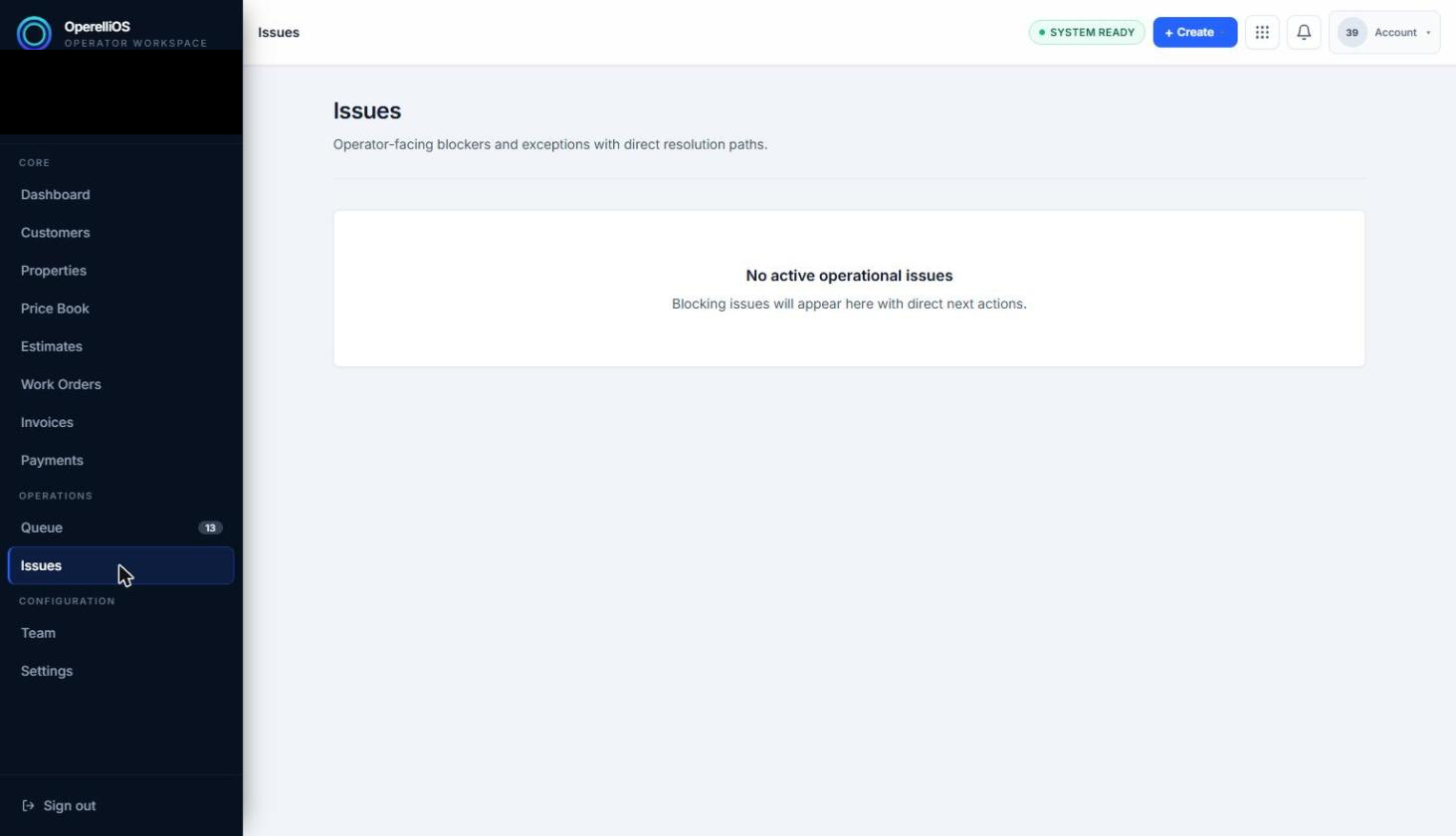
The Issues surface when no blocking issues exist.
Expected result
Section titled “Expected result”Selecting Queue opens a segmented list of records that need attention, split across tabs. Selecting Issues opens either a list of blocking issues or an empty-state card explaining that none currently exist.
Warnings and notes
Section titled “Warnings and notes”- Operations surfaces link out to the record’s owning module rather than offering full editing inline.
- This article does not claim autonomous workflow execution, AI dispatch, automatic issue resolution, SLA enforcement, technician routing, GPS tracking, or alerting/escalation rules.
- Team and Settings appear under Configuration and are documented separately later.
- Issue Review is deferred until a product-supported synthetic Issue record exists.