
Understanding Customer-Property Relationships
See how a customer, its service locations, and its estimates fit together in OperelliOS.
Who this is for: Owner, Office Manager.
Before you begin
Section titled “Before you begin”This article is a reference. It explains how records relate rather than walking through a task.
A property always belongs to one customer
Section titled “A property always belongs to one customer”Every service location is linked to exactly one customer. On a property’s detail page, the linked customer is shown as a clickable reference back to their profile.
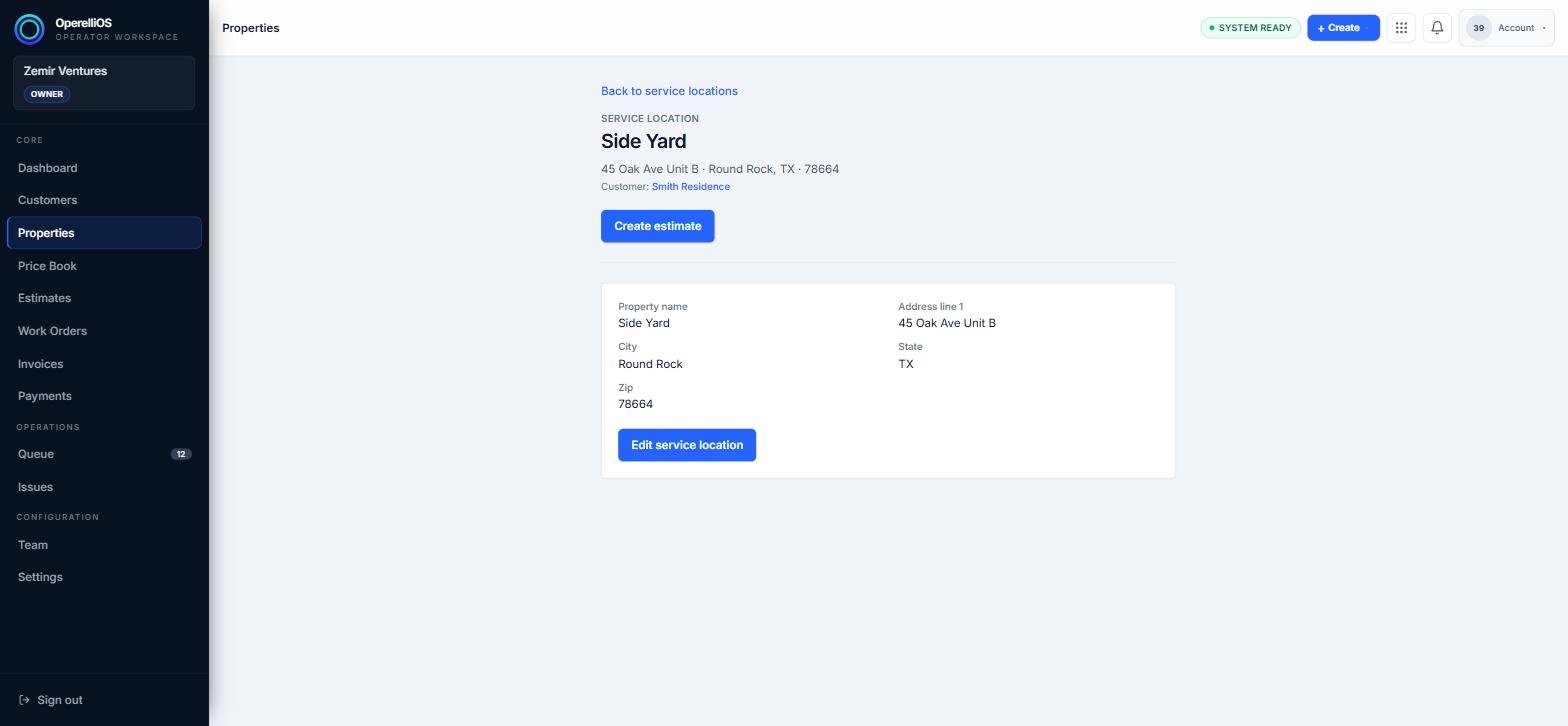
A property’s detail page, showing the customer it belongs to.
A customer can have multiple properties
Section titled “A customer can have multiple properties”A single customer, such as a property manager or a household with more than one address, can have several service locations linked to their account. All of them appear together on the customer’s profile.
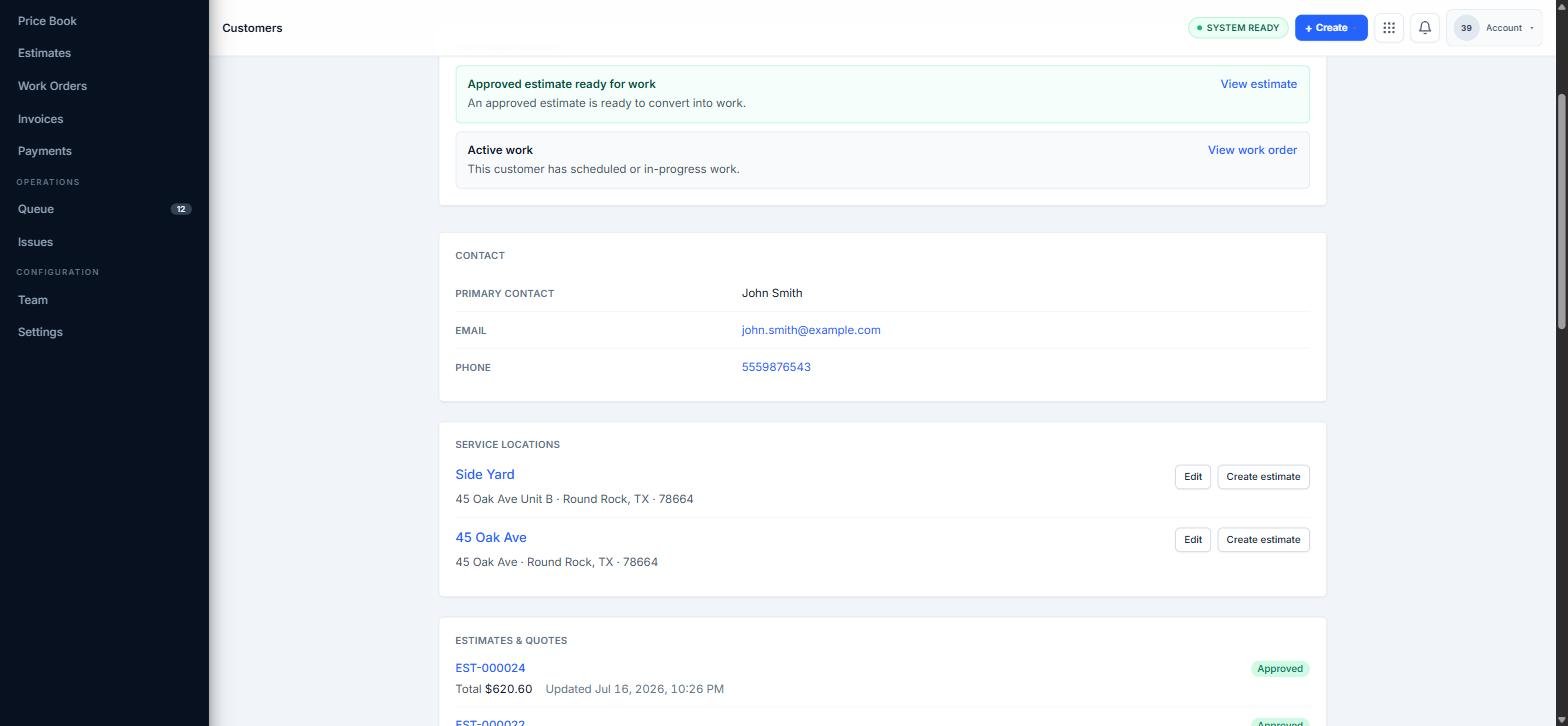
A customer profile showing two linked service locations.
Properties are what you build estimates against
Section titled “Properties are what you build estimates against”When you create an estimate, you choose a specific property so the work is tied to the correct address, even if the customer has several locations.
Expected result
Section titled “Expected result”You can trace any service location back to its customer, and see every property tied to a given customer from their profile.
Common issues
Section titled “Common issues”A property is linked to the wrong customer
The customer for a property can’t currently be changed from the edit form. Create a new property under the correct customer instead.