
Understanding the Queue
The Queue page groups records that need operator attention into three tabs: Needs action, Ready to progress, and Billing follow up. Each tab shows its own count badge, and the sidebar Queue entry shows a total count badge equal to the sum of all three tabs (observed as 3 + 1 + 9 = 13 in this environment).
Who this is for: Owners or staff who review Queue groupings before opening a record in its owning module.
Before you begin
Section titled “Before you begin”- A workspace containing existing Invoice, Estimate, or Work Order records in states that qualify for one of the three Queue groupings.
-
Click Queue in the sidebar OPERATIONS group.
-
Note the total count badge shown next to Queue in the sidebar.
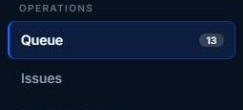
Queue count badge in the sidebar.
-
Use the three tabs at the top of the page (Needs action, Ready to progress, Billing follow up) to switch between groupings. Each tab displays its own count badge.

Queue tabs used to switch groupings.
-
Read the table for the selected tab. Columns observed were Item, Type, Consequence, and Updated.
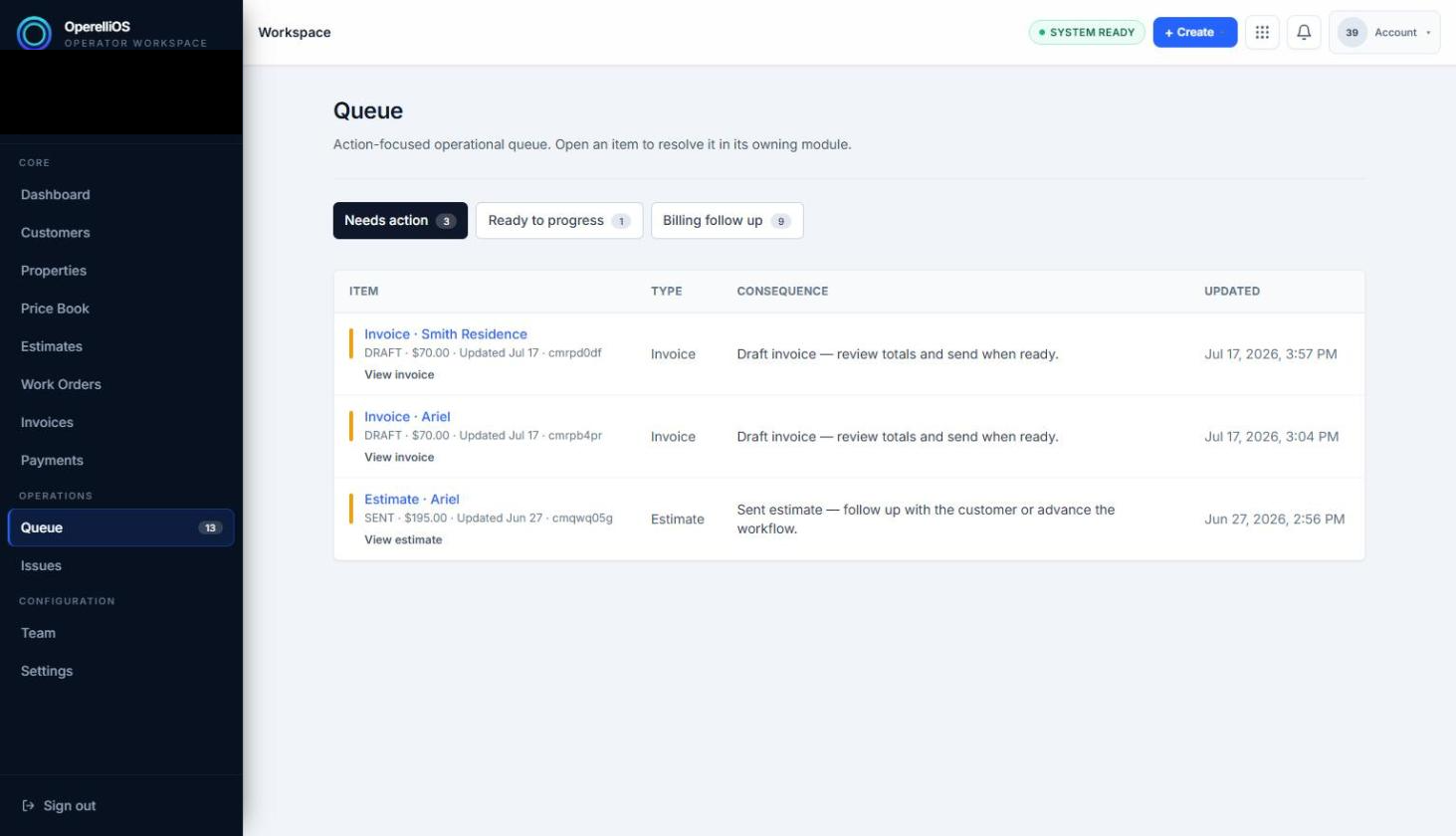
Queue, Needs action tab.
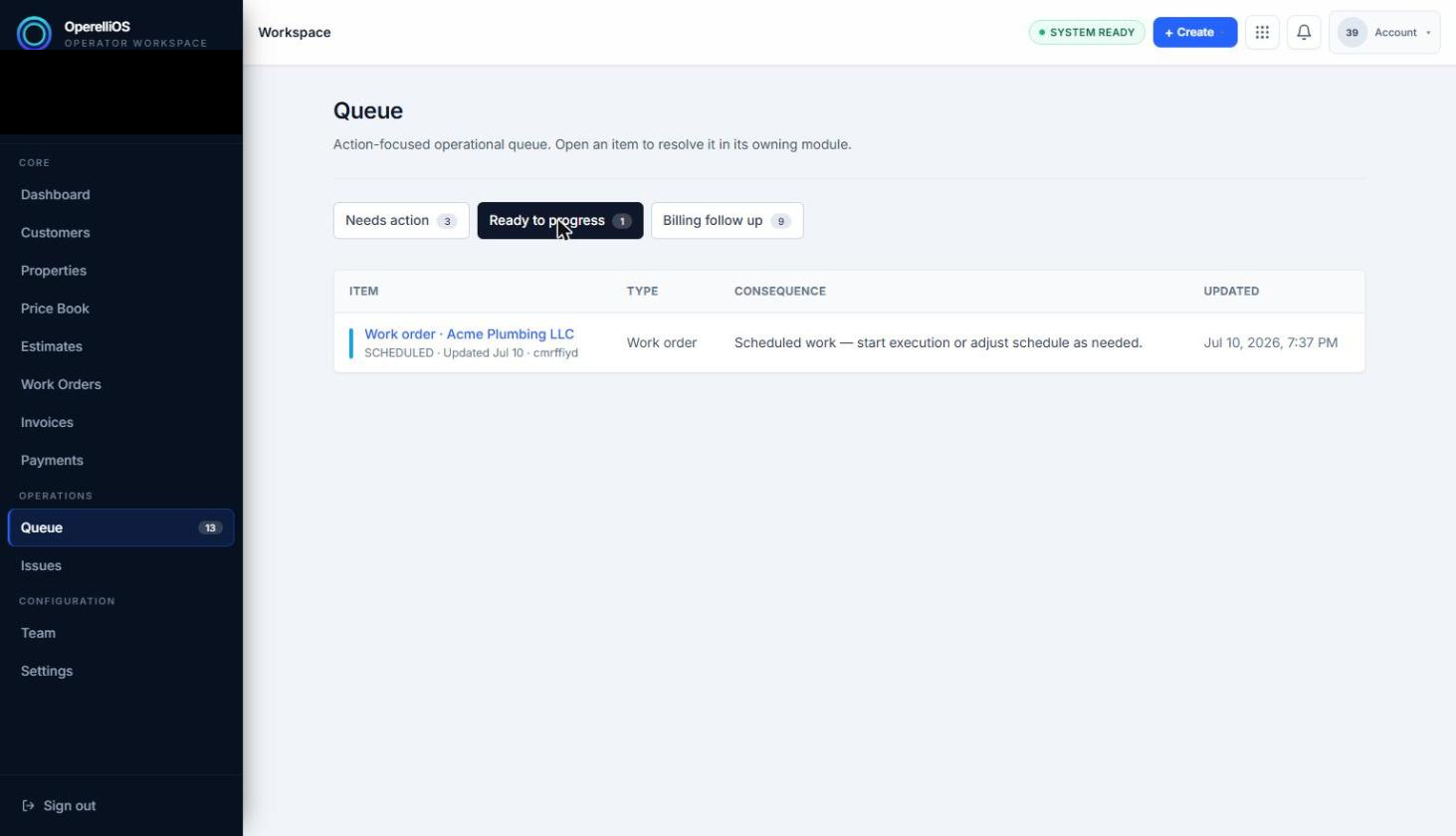
Queue, Ready to progress tab.
Expected result
Section titled “Expected result”Selecting a tab replaces the table contents with only the records belonging to that grouping. The Item column shows the record type and name/customer plus a short status line and an internal record id fragment. The Type column shows Invoice, Estimate, or Work order in the records observed. The Consequence column shows a plain-language explanation of why the record is in the queue. The Updated column shows a timestamp.
Status fragments observed as labels on Queue rows include DRAFT, SENT, ISSUED, and SCHEDULED. These are labels and groupings, not proof that this Help capture executed those workflow transitions.
Warnings and notes
Section titled “Warnings and notes”- A link inside the Item column (for example View invoice or View estimate) opens the record in its owning module.
- This article does not claim automatic prioritization, automation, assignment, dispatch, or Queue mutation.
- Search, sorting, and bulk actions were not visible on this page and are not documented.