
Understanding Workspace Activation
What workspace-level access currently looks like in OperelliOS, and which controls are not yet available.
Who this is for: Owners and admins.
Before you begin
Section titled “Before you begin”You are signed in to an OperelliOS workspace.
Verified behavior
Section titled “Verified behavior”-
Your workspace name and role (for example, Owner) are shown in a card at the top of the left navigation. There is no control here to switch to a different workspace.
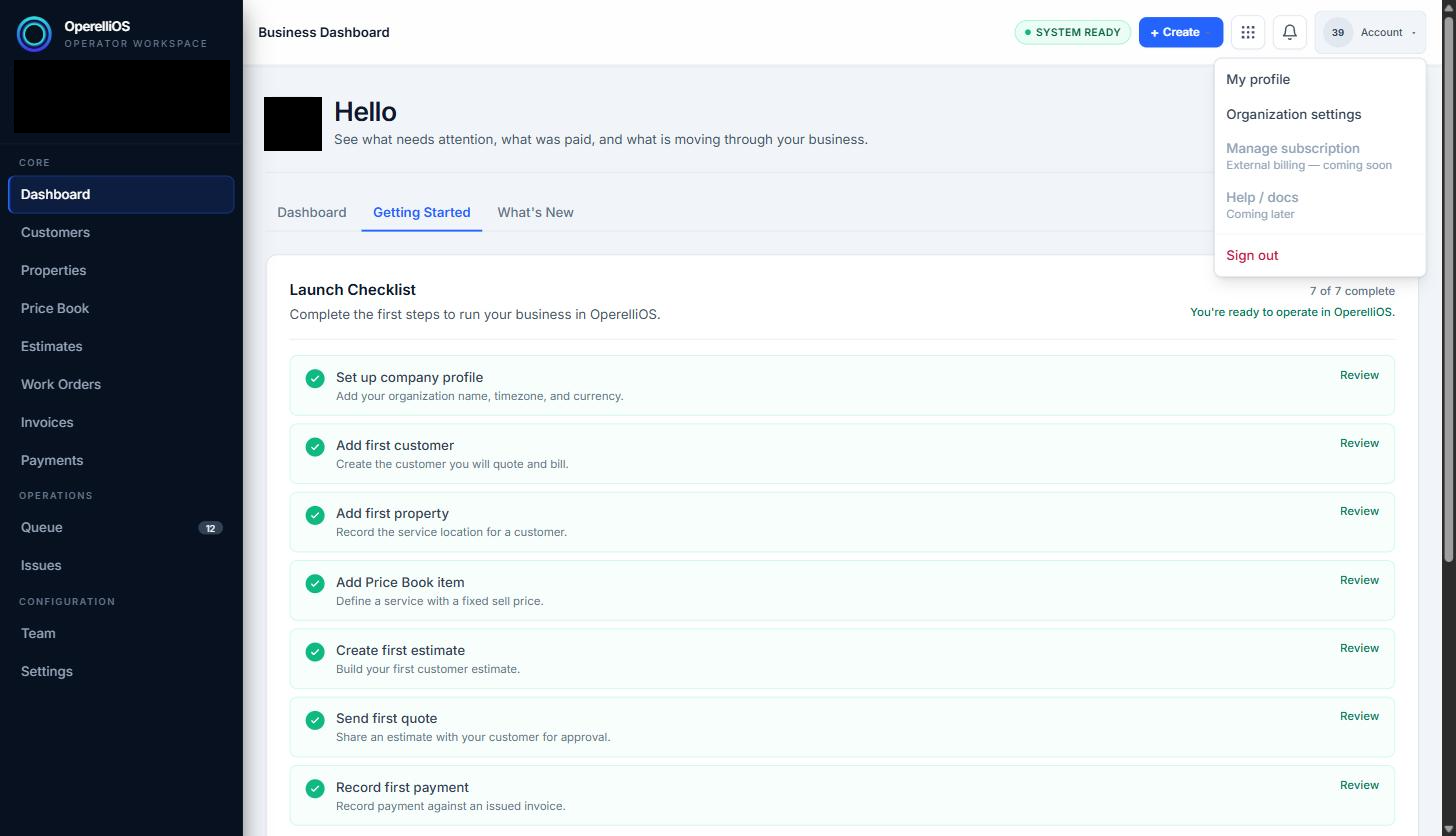
The account menu provides profile and organization settings, but no option to switch or create workspaces. Business name and avatar are redacted for privacy.
-
The Account menu (top right) offers My profile and Organization settings, but no “switch workspace” or “create workspace” option.
-
Under Settings → Organization → Locations, multi-location support is explicitly marked with the product UI label Coming soon.
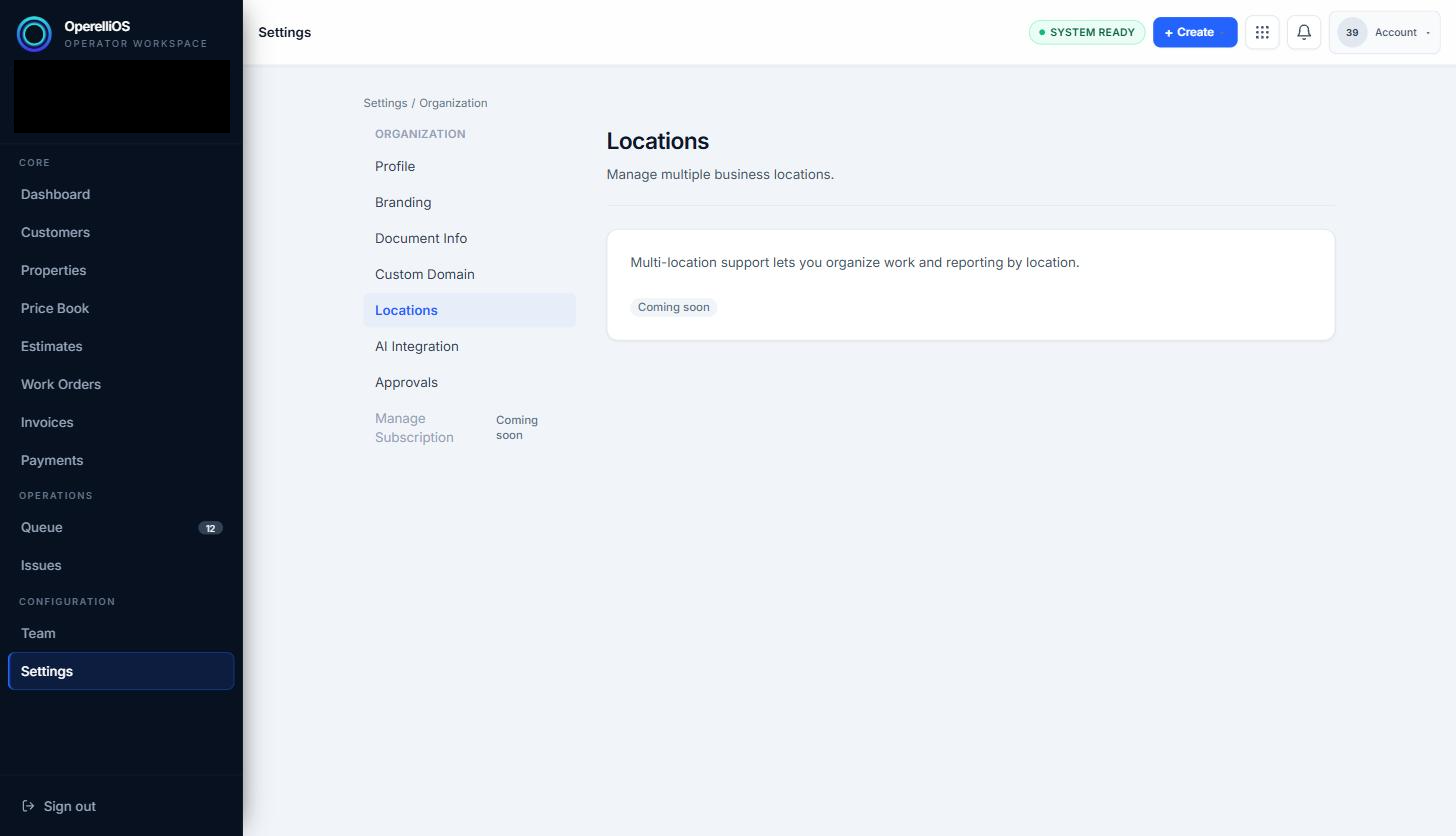
Organization → Locations shows the observed UI label Coming soon; multi-location and multi-workspace controls are not available in-app from this screen.
-
Based on what is currently visible in the product, creating additional workspaces or switching workspaces is not available from in-app controls. Initial workspace activation for self-serve trial happens during signup/onboarding outside this screen.
Boundaries observed in this capture
Section titled “Boundaries observed in this capture”- There is no in-app self-service create-workspace control in navigation or Account settings after you are already inside a workspace.
- Self-serve trial signup starts from the public Start Free Trial path; this article covers what you see after a workspace is already active.
- There is no workspace switching control in the navigation or Account menu.
- There is no create workspace option in the Account menu.
- Locations appears under Organization settings with the UI label Coming soon.
Expected result
Section titled “Expected result”You understand that your current workspace is already active, and that creating, switching, or adding additional workspaces or locations is not available from within the product today. New accounts start via self-serve trial signup rather than an in-app create-workspace button.
Common issues
Section titled “Common issues”Do not expect a “switch workspace” menu — none currently exists. Businesses that operate multiple locations should note that the Locations screen shows the UI label Coming soon.